

Locks into the angle you want
Adjust the three joints, then tighten the handle to hold the screen in position.

Bridge 360


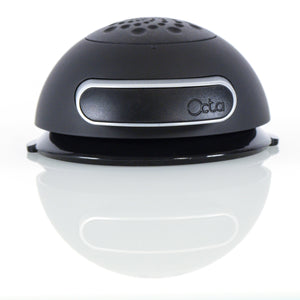
Adjust the angle, then tighten one handle to lock all three joints. Bridge 360 connects the Spider tablet holder to an Octa base, such as Clamp or Gravity Plate.
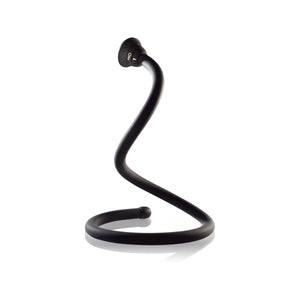
The arm is made from aluminum and steel, with a quick connector at each end. Loosen the handle to reposition it, or fold it down for storage.
With Spider attached, you can also use Bridge 360 as a tablet handle or stand. Spider and the base are sold separately.
See related parts below. Check the product description and setup guide for the connections you need.
Bridge 360 Overview
Range of motion
Loosen the center handle to move the arm. Tighten it to lock the joints. Fold the arm down when you pack it away.

Design detail
Bridge 360 has two rigid arm sections and three adjustable joints. The center handle locks them together.
Bridge 360 system builder
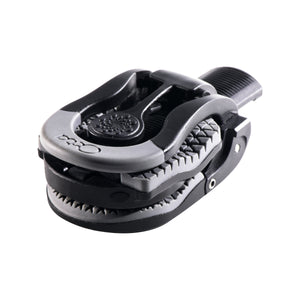
Connect Bridge 360 to Spider and a base. Use Gravity Plate on a desk, Wall Mount on a wall or cabinet, or Clamp on a desk edge, rail, or pole.
 Bridge 360
 Spider
 Gravity Plate
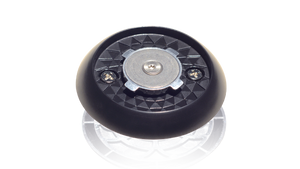
 Wall Mount
Adjust the three joints, then tighten the handle to hold the screen in position.

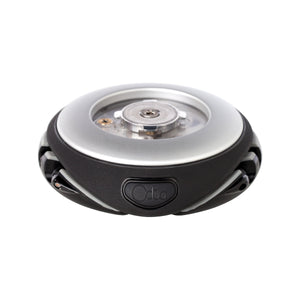
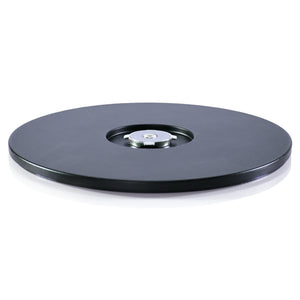
Use Gravity Plate as the base. It rests on the tabletop, so you can move the stand without unbolting it.

Bridge 360 connects Spider to Clamp, Wall Mount, Vacuum Dock, or Gravity Plate.
Choose your parts
Each option below includes Bridge 360, Spider, and the listed base or mounts.
Bridge 360SpiderGravity PlateBridge 360SpiderWall MountBridge 360SpiderGravity PlateWall Mount

Setup help
See how to connect the parts, adjust the arm, and use it as a handle or stand.